
Cursor 3.1 Turns Your Code Editor Into an Agent Dashboard — and It's Working
From interactive canvases to a self-improving code reviewer, Cursor's April updates push the AI editor further away from VS Code and closer to an autonomous development platform.
Cursor 3.1 Turns Your Code Editor Into an Agent Dashboard — and It's Working
From interactive canvases to a self-improving code reviewer, Cursor's April updates push the AI editor further away from VS Code and closer to an autonomous development platform.
AI & Machine Learning · 4 min read
Cursor has had a relentless April. In the span of two weeks, the company shipped canvases, a smarter CLI debug mode, a tiled agent window, and significant updates to Bugbot — its AI code reviewer. Taken together, the updates make one thing clear: Cursor is done being a smarter text editor. It's building something closer to an autonomous coding platform.
Canvases: Agents That Build Interfaces, Not Just Code
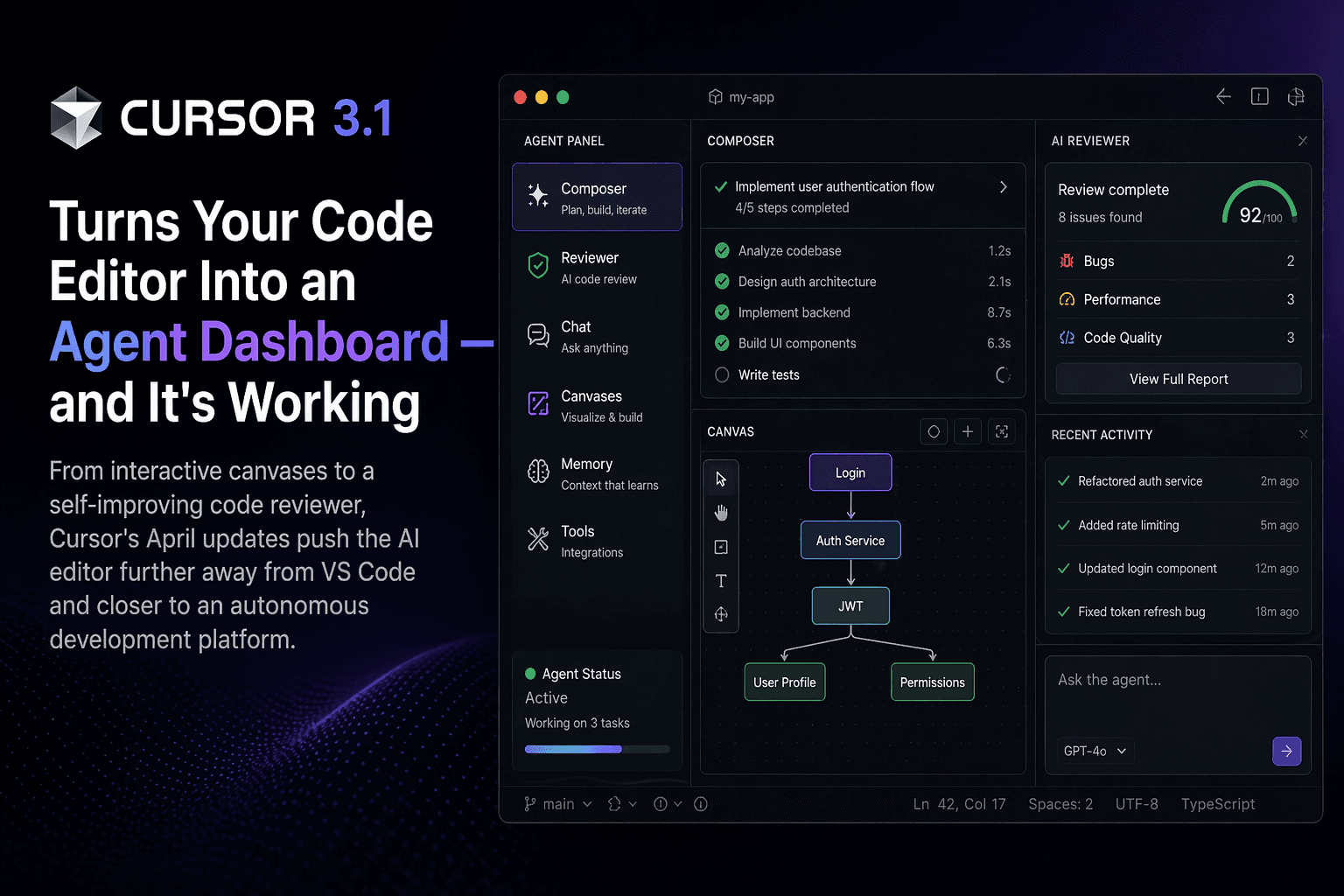
The biggest visual change in Cursor 3.1 is canvases. Instead of responding with walls of text or markdown, agents can now create interactive dashboards and custom interfaces — complete with tables, diagrams, charts, and diffs — directly inside the Agents Window.
The idea is that some answers are better shown than explained. Ask an agent to analyze a pull request or visualize research data, and it can now hand you a live, interactive panel instead of a five-paragraph summary. Canvases live persistently in the side panel alongside the terminal, browser, and source control — so they stick around across the session rather than scrolling away in chat.
Bugbot Now Learns From Its Own Mistakes
Bugbot, Cursor's AI code review tool, got a meaningful update this week: it can now learn from real pull request feedback in real time. When developers react to a Bugbot comment — or when human reviewers add their own notes — Bugbot turns those signals into rules that shape how it reviews future PRs.
The numbers back it up. When Bugbot launched out of beta in July 2025, it resolved roughly 52% of the bugs it flagged by the time a PR merged — meaning the rest were false positives. That figure is now approaching 80%, putting it 15 percentage points ahead of the next-closest AI code review product, according to Cursor's own analysis of public repositories.
CLI Gets Smarter: /debug, /btw, and More
Cursor's command-line interface also received a quality-of-life pass. The new /debug command lets agents generate hypotheses, add log statements, and trace runtime information to isolate bugs that are hard to reproduce — without requiring you to manually narrow things down first.
More interesting is /btw: a way to ask the agent a quick side question without interrupting whatever it's currently doing. If an agent is mid-refactor and you want to understand why it's making a specific change, /btw lets you ask without stopping the run. It's a small feature, but it solves a real friction point in agentic workflows.
The Bigger Picture: Cursor 3 and the Agent-First Bet
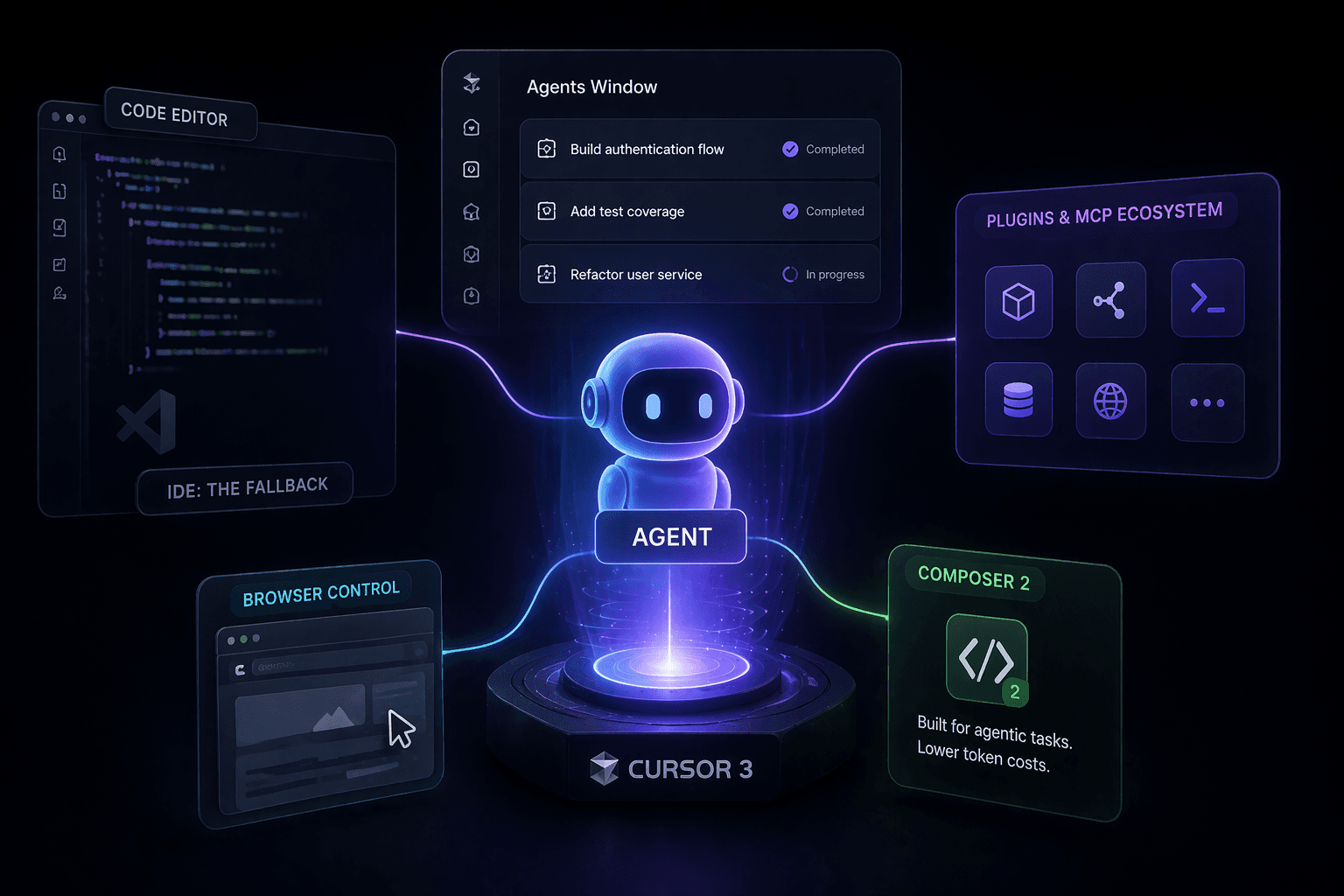
All of these updates land on top of Cursor 3, which launched on April 2. That release redefined what the product is: a unified workspace where agents take the lead and the IDE is the fallback, not the default. Cursor 3 introduced a rebuilt Agents Window, a plugin ecosystem with MCP support, browser control, and Composer 2 — Cursor's own coding model built for agentic tasks at lower token costs than frontier models from Anthropic or OpenAI.
The company has raised over $3 billion in funding from backers including Nvidia and Google. The pace of shipping suggests they intend to spend it.
Cursor isn't trying to make coding faster. It's trying to make large chunks of coding optional — and April's releases are the clearest signal yet of how far along that path it's already come.
Tags: Cursor, AI coding, Cursor 3.1, Bugbot, Composer 2, developer tools, agentic AI